Less Software
Simpler systems, teams, and AI products.
Simpler systems, teams, and AI products.
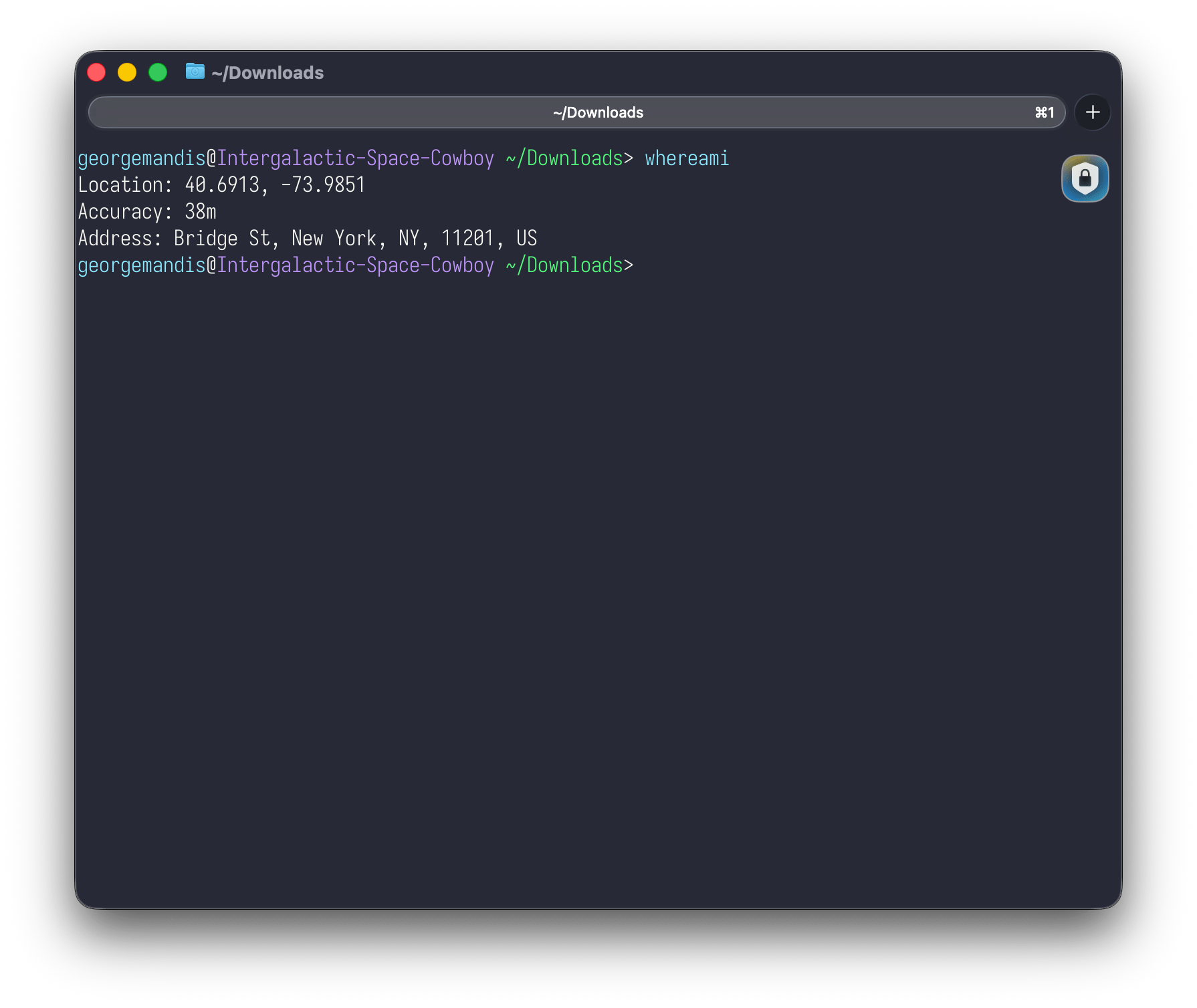
A CLI that calls your operating system's native location APIs directly --- CoreLocation on macOS, WinRT Geolocation on Windows, GeoClue2 on Linux. No HTTP requests, no API keys, no third-party services.
$ whereami
Location: 40.6892, -74.0445
Accuracy: 65m
Address: Liberty Island, New York, NY 10004, United States
Human-readable by default, --json for scripting. On macOS it also
reverse-geocodes to a street address via CLGeocoder.
On macOS, whereami now answers for places other than where you are, in both directions. Give it an address and get coordinates, or give it coordinates and get an address.
$ whereami "350 5th Ave, New York"
Location: 40.7482, -73.9851
Address: 350 5th Ave, New York, NY, 10118, US

$ whereami --at=40.6892,-73.9857
Location: 40.6892, -73.9857
Address: 45 Hoyt St, New York, NY, 11201, US
The JSON shape is the same in every mode, so an address lookup pipes into
anything that already reads whereami --json:
whereami "350 5th Ave, New York" --json | nearme coffee
Neither lookup needs location permission, since they never ask where you are. Street addresses and city names work. Landmark names like "Golden Gate Bridge" do not. An address that can't be found exits with status 1.
Written in Zig. Produces a standalone binary and a C-compatible shared library.
# macOS / Linux
brew install georgemandis/tap/whereami

# Windows
scoop bucket add georgemandis https://github.com/georgemandis/scoop-bucket
scoop install whereami
Also available as a .deb package — download the latest from GitHub Releases.